
How to Organize Your Digital Clipart Files So You Can Actually Find Them
If you have been collecting digital clipart for a while, there is a good chance your download folder has started to look a little wild. A few flowers turn into a few animals, then a holiday bundle gets added, then another collection, and before long you are scrolling through dozens of files trying to remember where that one little mushroom went.
The good news is that organizing digital clipart does not have to be complicated. A simple folder system can save a surprising amount of time, especially if you use your artwork regularly for cards, journals, printables, crafting, or design projects. The goal is not to create a perfect system. It is just to make it easier to find what you already have.
Start With One Main Clipart Folder
One of the easiest places to start is by creating one main folder for all of your digital artwork. You might call it something simple like “Clipart,” “Digital Art,” or “Creative Files.” From there, you can create smaller folders inside it based on the way you naturally look for things. Some people like to organize by season, while others prefer categories such as animals, flowers, food, holidays, or backgrounds.
For most people, a combination of both works best. You might have folders called Autumn, Christmas, Animals, Flowers & Botanicals, Cats & Dogs, Kitchen, and Kids. Inside the Autumn folder, you could then have smaller folders for pumpkins, woodland animals, fall florals, Thanksgiving, or specific collections.
Try not to create too many folders at the beginning. If your system becomes so detailed that you have to click through five folders just to find one image, it may actually make things harder. Start broad and only create smaller categories when you notice that one folder is getting too crowded.
Keep Full Collections Together
It also helps to keep each purchased or downloaded collection together. If you download a full watercolor autumn bundle, for example, keep the original collection inside its own folder rather than immediately scattering every pumpkin, fox, leaf, and acorn into different places. This makes it much easier to find all of the coordinating pieces later.
You can always create a second folder for your favorite individual images if there are certain pieces you use again and again. That gives you quick access to the artwork you reach for most often without breaking apart the original collection.
Use Clear File Names
File names can make a big difference too. If your files have clear names such as “watercolor rabbit,” “pink wildflower,” or “autumn pumpkin,” your computer’s search tool can often find them for you. If the filenames are a long string of numbers or something that makes no sense, you may want to rename the pieces you use most often.
You do not need to rename hundreds of files all at once. That is a very good way to turn a simple organizing project into something you never want to finish. Instead, rename files as you use them or when you notice that a particular name is making something hard to find.
Keep Originals and Backups Safe
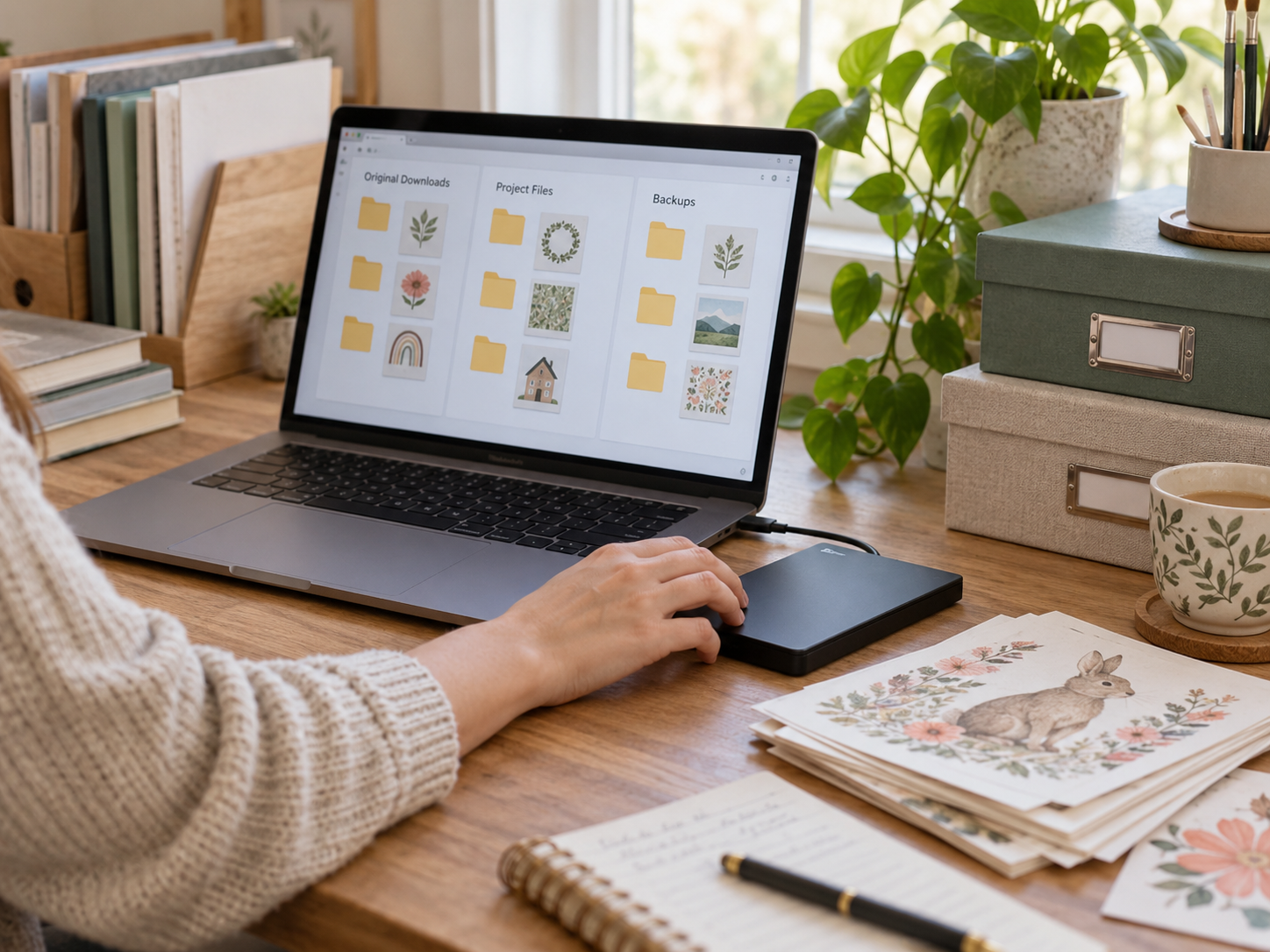
Another useful habit is keeping your original ZIP files for a little while after you download them. Once you have extracted the contents and checked that everything opened correctly, you can decide whether you want to keep the ZIP as a backup or delete it to save space. If you do keep it, I would put it in a separate folder called something like “Original Downloads” so it does not get mixed in with the files you actually use.
Backups are worth thinking about too. Digital files can be replaced if you still have access to the original download, but that is not always something you want to count on. Keeping a copy of your clipart on an external drive or cloud storage service can give you some peace of mind, especially if you have built up a large collection over time.
Separate Your Projects From Your Original Artwork
You may also want to create a folder called “Projects” that is separate from your original artwork. When you begin making a card, printable, journal page, or other project, save your working files there rather than inside the clipart collection itself. This helps keep the original artwork clean and makes it easier to find your finished projects later.
Inside your Projects folder, you can organize things by year, season, or project type. You might have folders called Fall Cards, Christmas Gifts, Journal Pages, or Printable Art. There is no right answer here. The best system is the one that makes sense when you come back to it six months later.
Organize Your Canva Uploads Too
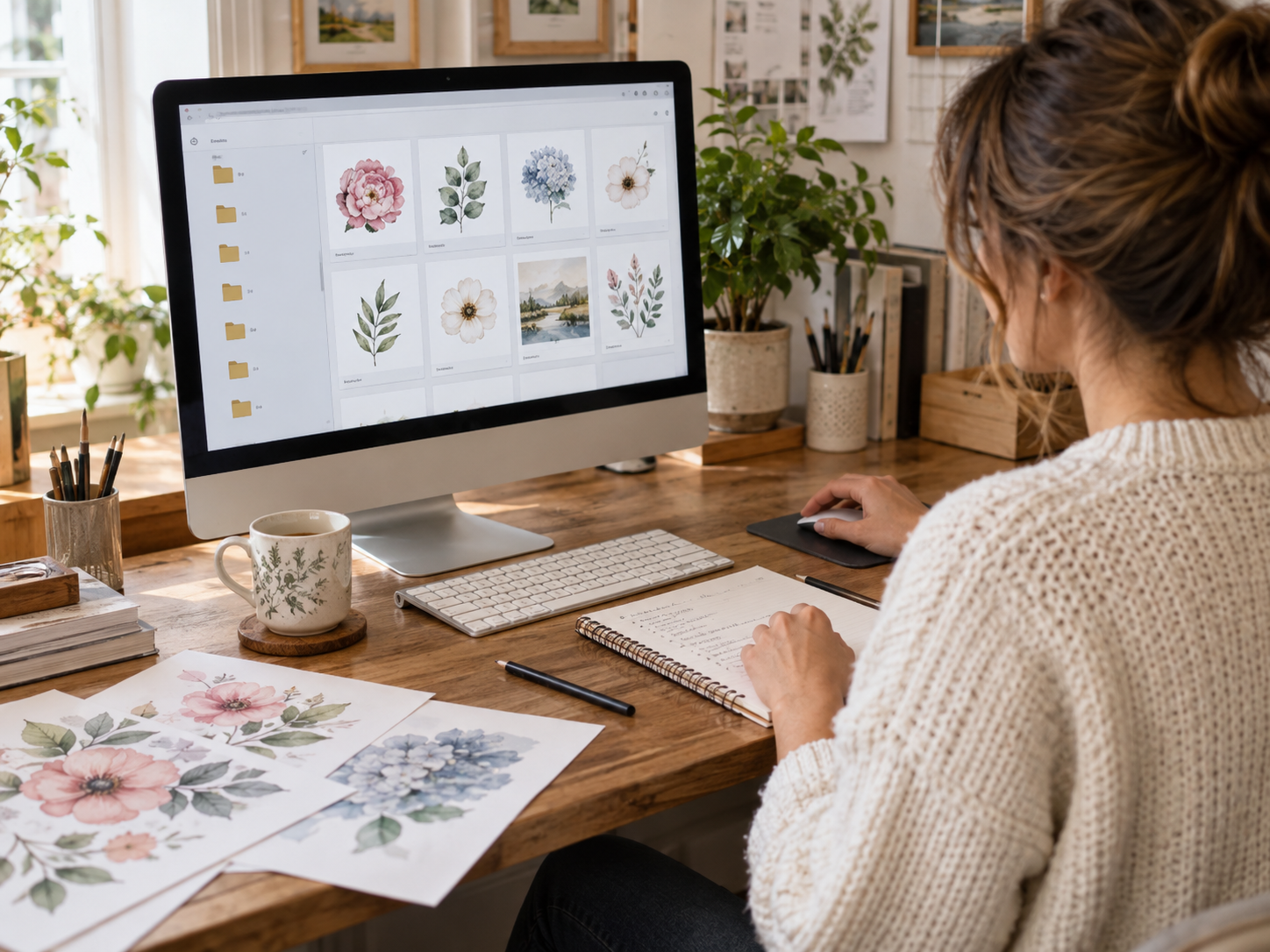
If you use clipart in Canva, it can also help to organize your uploads there. Depending on the version of Canva you use, you may be able to create folders for different themes or projects. Even if you cannot organize everything exactly the way you would on your computer, keeping related uploads together can make designing much faster.
Do a Little at a Time
One thing I would avoid is trying to reorganize your entire digital collection in one afternoon. If you already have hundreds or thousands of files, that can quickly become overwhelming. Start with your main folders, move the obvious things into place, and stop there for the day.
You can always tidy things up a little at a time. The next time you download a fall collection, put it directly into the Autumn folder. The next time you use a floral bundle, give it a clearer name if it needs one. Small habits are much easier to keep than one enormous organizing project.
Build a System That Works for You
It is also completely normal for your system to change over time. You may begin by organizing everything by season and later realize that you would rather have all of your animals together. That does not mean you organized it wrong the first time. It just means you learned more about how you actually use your files.
The real goal is simple: when you sit down to create something, you should spend more time making and less time searching.
And if you still occasionally spend ten minutes looking for one particular tiny frog you know you downloaded somewhere, I think that is probably unavoidable.
